

Making a great video is easier when you use the right tools. A strong setup does not have to be fancy, but it should match what you are trying to film and how you plan to edit. From cameras and microphones to editing apps and lighting, smart choices can improve picture quality, sound, and speed.
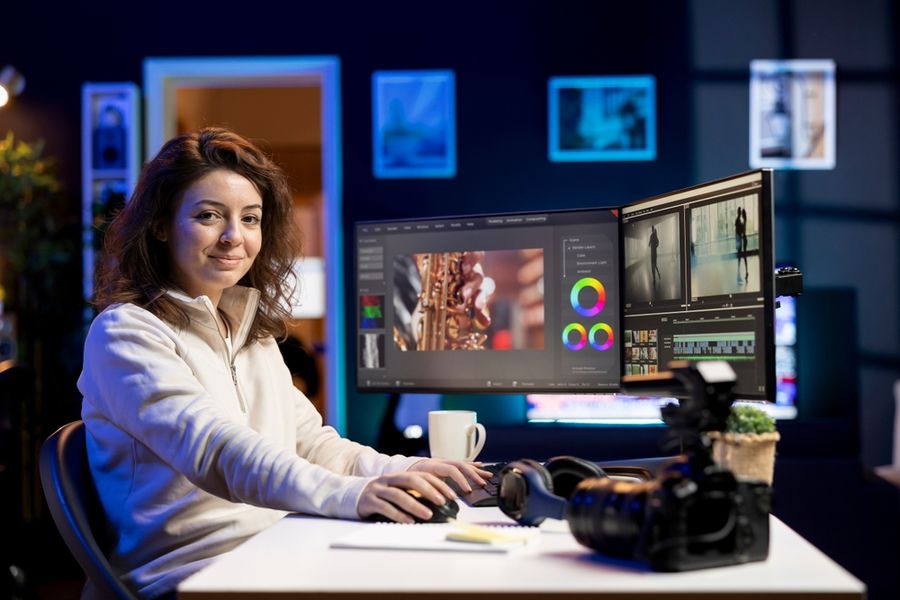
Cameras: Phone, Mirrorless, or Action Cam
A phone camera is often the easiest starting point. Newer phones shoot sharp video, focus fast, and handle low light better than older models. For social media clips, interviews, and quick product videos, a phone can be enough—especially if you add good lighting and clean audio.
Mirrorless cameras are the next step up if you want a more “cinema” look. They give you better control over focus, lenses, and background blur. They also tend to do well in tough lighting. The tradeoff is setup time and learning curve, plus extra gear like lenses, batteries, and memory cards.
Action cameras are best for movement. They are small, tough, and built for wide shots. If you film sports, travel, or fast motion, an action cam can be the easiest way to get stable footage without worrying about bumps or weather.
Editing Software: Adobe Premiere Pro vs CyberLink PowerDirector
Editing is where a video turns into a story. Two popular choices are Adobe Premiere Pro and CyberLink PowerDirector, and each fits a different kind of creator.
Adobe Premiere Pro is a go-to tool for many pros. It is strong for long projects, multi-camera edits, and deep color work. It also connects well with other Adobe tools, which helps when a project needs sound cleanup, motion graphics, or advanced graphics.
CyberLink PowerDirector is often picked for speed and ease. Many creators like it because it offers clear controls, fast exports, and a simpler learning curve. It can still handle polished edits, but it feels more friendly for beginners or people who want quick results without digging through endless menus.
If you edit for clients or need a full workflow, Premiere Pro is a strong match. If you want to cut videos faster with less setup, PowerDirector can be a practical choice.
Graphics and Special Effects: After Effects
When you want motion titles, animated logos, or visual effects, Adobe After Effects is one of the best-known tools. It is made for creating movement and adding polish that basic editors may not handle well.
After Effects is useful for lower-thirds (name tags), animated text, screen replacements, and simple effects like glow or blur. It can also do advanced work, but even small touches can make a video feel more professional. A common workflow is to edit the main video in Premiere Pro, then send short clips to After Effects for animation and effects work.
Audio Tools: Mics Matter More Than You Think
Bad sound can ruin a good-looking video. For most creators, upgrading audio gives a bigger quality jump than upgrading the camera.
A simple lavalier mic works well for talking-head videos and interviews. It stays close to the speaker’s mouth, which helps keep voices clear. A shotgun mic is a good option when you want the mic out of frame, like for sit-down videos or scenes where you do not want a mic clipped on.
If you record in a noisy room, adding a basic sound treatment helps too. Soft items like rugs, curtains, and foam panels can reduce echo. Clear audio makes people more likely to keep watching, especially on phones.
Lighting and Support Gear: Small Changes, Big Results
Lighting can make even a phone video look high-end. A simple LED panel or ring light helps you control shadows and avoid grainy footage. For product videos, a small tabletop light can make surfaces look clean and colors more true.
Support gear also matters. A tripod keeps shots steady and saves time because you do not need to fix shaky footage later. For movement, a small gimbal can smooth walking shots and make footage look more professional.
If you film in many places, portable gear helps you stay flexible. Lightweight stands, compact lights, and a small camera bag can keep the setup fast and less stressful.
Mobile Apps: Fast Edits for Social Videos
Mobile editing apps are useful when speed is the goal. They are great for short clips, quick captions, and simple cuts. Many creators film and edit on the same phone, then post right away.
Apps work best when the project is short and the editing is simple. If you need heavy color work, detailed audio edits, or complex effects, a desktop editor is usually a better fit. Still, mobile apps can be perfect for daily posts, behind-the-scenes clips, and quick updates.
Build a Toolkit That Matches Your Videos
The best video production setup is the one you will actually use. Start with the tools that solve your biggest problems, like cleaner audio or better lighting.
Then add stronger cameras, editing software, and effects tools as your needs grow. With the right mix of cameras, apps, and gear, making better videos becomes simpler and more consistent.